
How setup works
From signup to logging in minutes
A simple flow: choose callsign, choose plan, we provision, verify, and email the access details when your station is ready.
Built for operators who want reliable hosted Wavelog without having to assemble the server stack themselves.
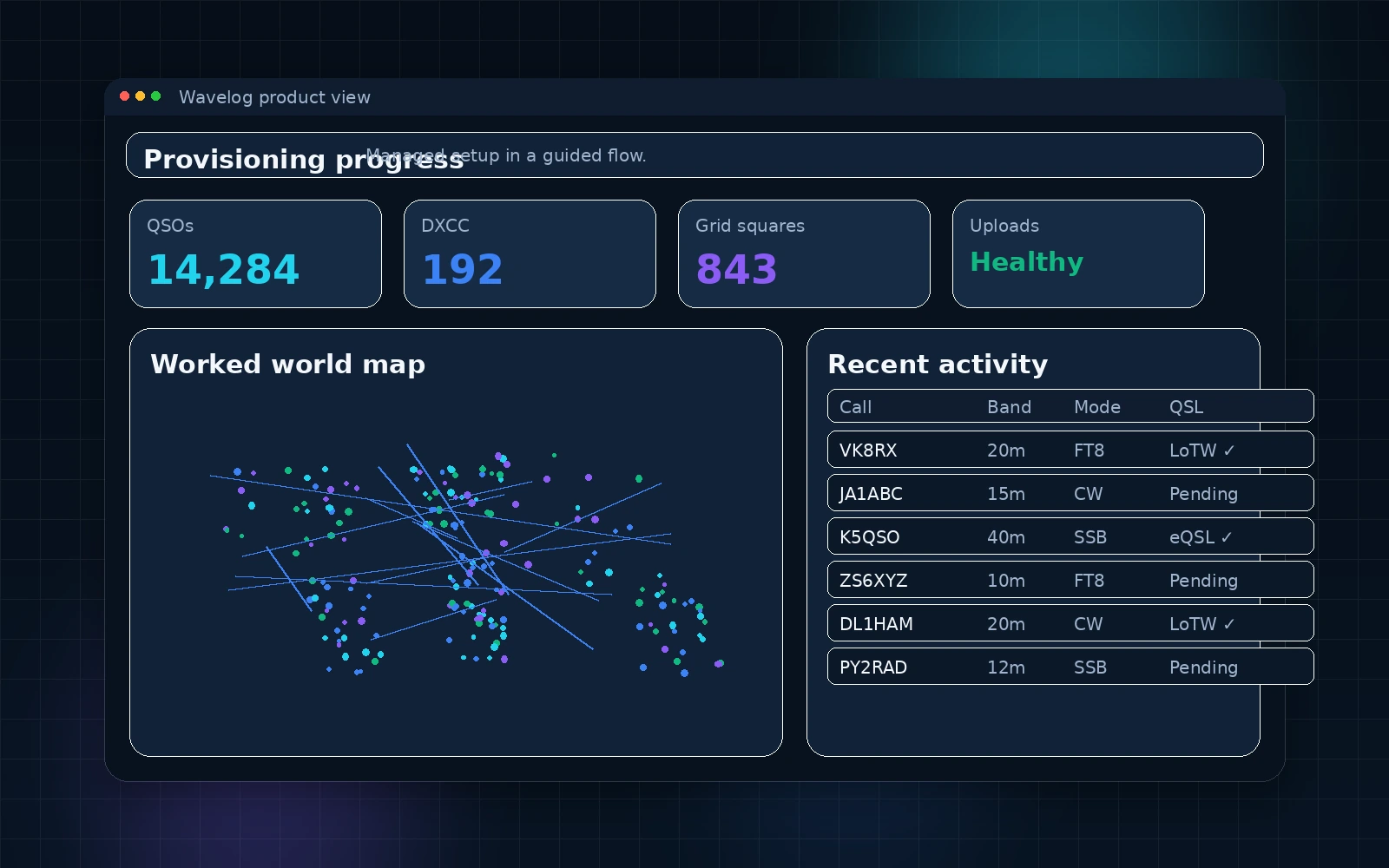
Provisioning status panel for your hosted instance.
How setup works
Sign up with your callsign
Create your account and verify your email. Your callsign becomes your subdomain: callsign.wavelog.online.
Choose a plan
Plans mainly differ by storage, backup retention, and workload headroom. Logging itself is unlimited.
Provisioning is automatic
We create your isolated hosting account, database, Wavelog deployment, wildcard SSL assignment, automation, and first backup workflow automatically.
Go live
Once final verification passes, we email the instance URL and login details so you can import your ADIF and start operating.
Provisioning details include
Isolated hosting user and docroot
Dedicated database credentials
Wavelog install with wildcard HTTPS
Master cron and backup retention by plan
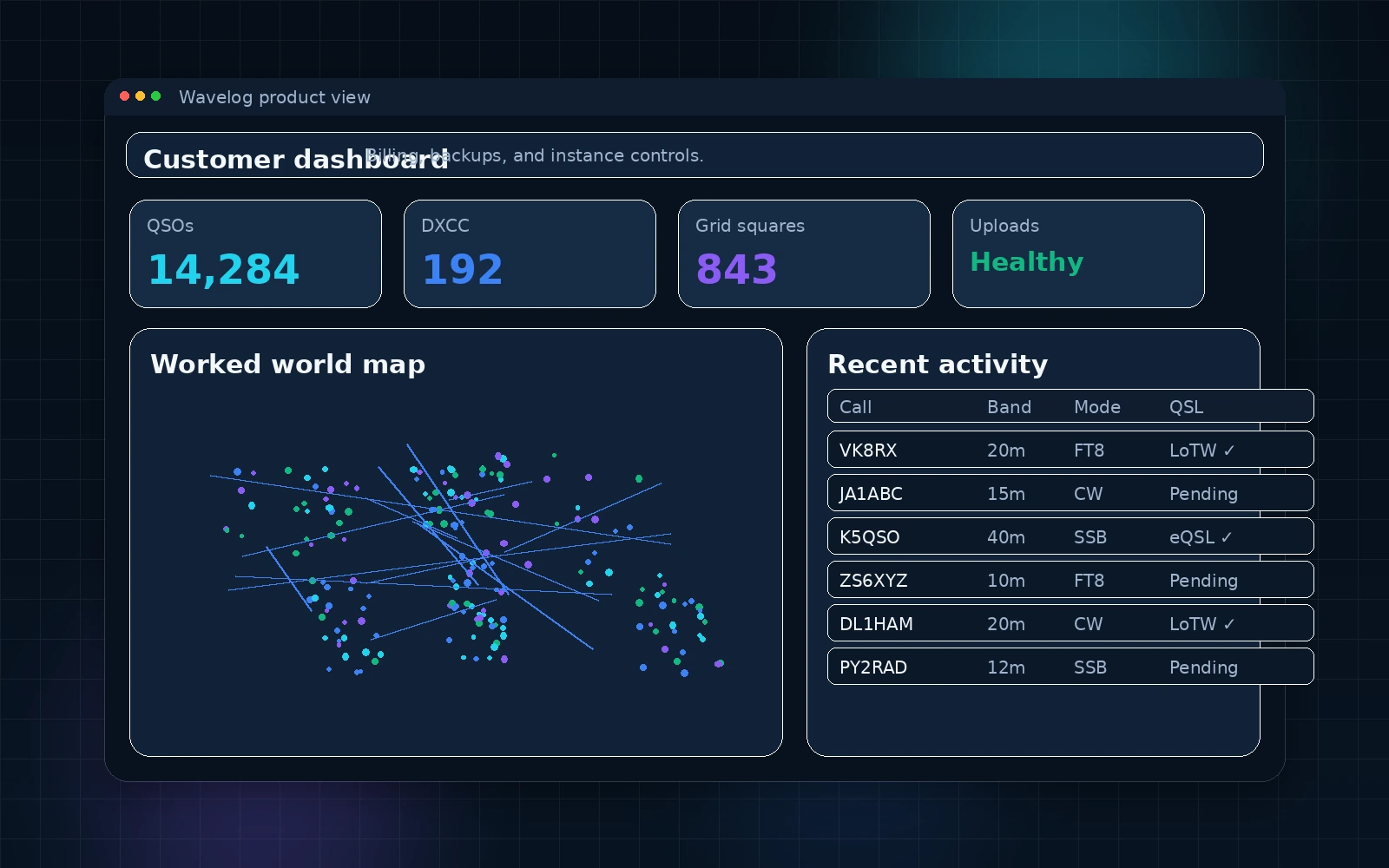
Customer portal controls for hosted operations.
Ready for your callsign subdomain?
Start today and we handle the setup, verification, and routine hosting operations.